


Results 1 to 1 of 1
-
11-19-2010 #1

 Registered User
- Join Date
- Jul 2007
- Location
- Olathe, KS
- Posts
- 1,158

Rendering help for an illustrator Newbie?
I've used Photoshop for years, however I'm starting my foray into vector illustration and figured what better place to start than a rendering of my car.
I've been playing around for a day or so, but I'm stuck with hot to treat shading in illustrator.
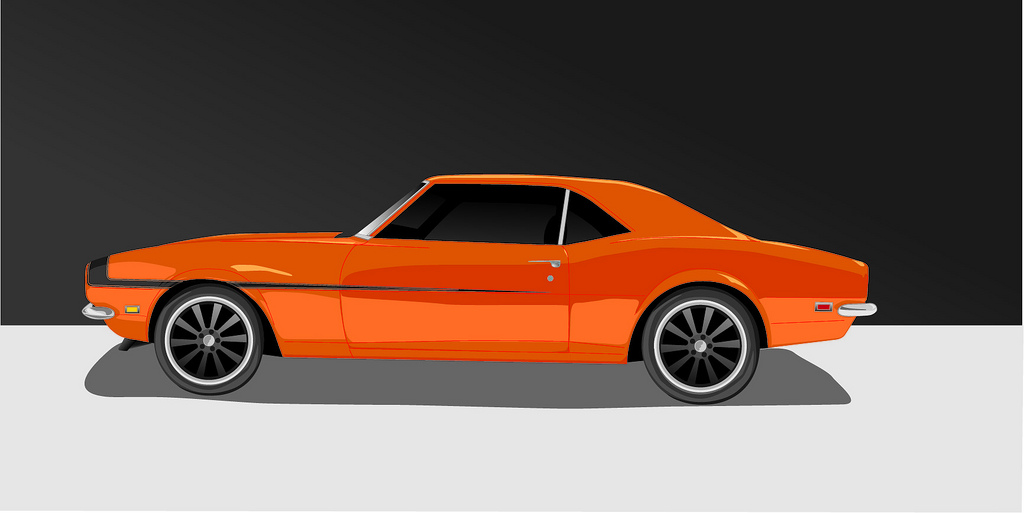
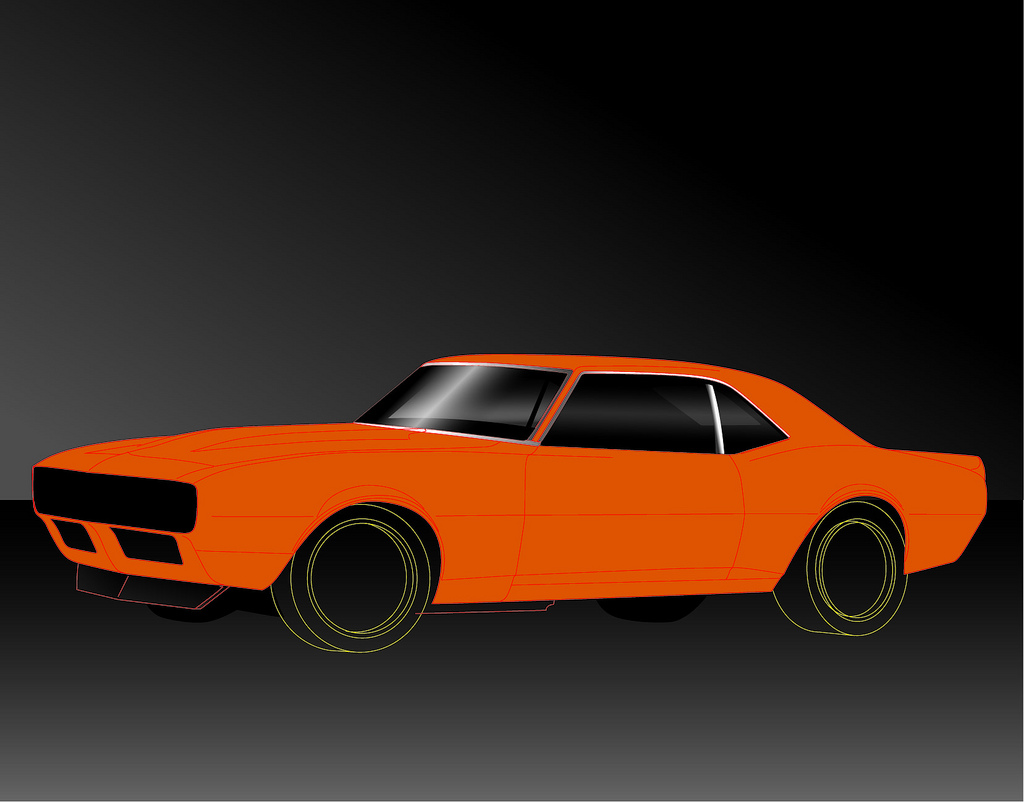
I've created vectors of differing color, but end up with a cartoony, low fidelity image. It's not bad, but not what I'm really going for. I'd like it to retain the hand drawn look, however make it look a little more realistic. I think the shading is quite a bit of what I'm missing.
Attached are two images I've been working on. The one I did yesterday, and one I've been working on this afternoon. I like the direction I'm going in with the new pic (shading on the windows and trim) , however I'm at a loss of what to do to create the highlight/shadow vectors of the curved body surfaces in a semi-realistic fashion. I'm probably using them incorrectly, but so far, it seems like illustrators fade fills aren't all that useful.
Thanks!
-

 Reply With Quote


